





Lowrance
GlobalMap 5300C iGPS
Discontinued. Browse our selection of other great chartplotters here>>
Precision
internal 12-parallel channel GPS+WAAS antenna!
A new edition of Lowrance versatility and value in a chartplotter
package. Ideal for vertical console mounts on open cockpit boats.
Offers a high-res, dazzling color screen and NMEA 2000 connectivity,
and can double as an attractively-affordable display for radar.
Display
5.0" (12.7cm) diagonal 16-bit color SolarMaxT TFT display
High-detail 480V x 480H pixel resolution
Wide viewing angles in all light conditions
Fluorescent cold-cathode screen and keypad backlighting
GPS/WAAS/Mapping
Precision internal 12-parallel channel GPS+WAAS
antenna
Expanded, built-in enhanced background map of the continental
U.S. and Hawaii with over 3,000
lakes with depth contours and additional
features
Optional MapCreateT
Accessory Pack to create higher-detail mapping
Compatible with optional plug-&-play Lowrance
FreedomMapsT, Fishing Hot Spots® PRO, LakeMaster®
Pro Maps, NauticPathT, Navionics Lake Maps, Navionics Gold, and Navionics Platinum electronic charts
One-touch MOB (Man Overboard)
1,000 waypoints/1,000 event markers/100 routes
100 savable plot trails/10,000 points per trail
42 different graphic icons to mark your favorite spots
40 map zoom ranges, 0.02-4,000 miles
Plus...
NMEA 2000® compatible for LowranceNETT networking
5-pin Ethernet expansion port compatible for radar, video
and satellite radio
One full RS-232 port for NMEA 0183 data communications
One waterproof slot for digital media card (MMC/SD not included)
to record GPS details and display optional custom mapping
Back-up memory saves customized settings
Enhanced data processing
Fast screen updates Sealed and waterproof
Full one-year manufacturers warranty

DIMENSIONS |
|
|
KEYPAD
|
|

Package
Includes:
GlobalMap 5300C iGPS
Protective front cover
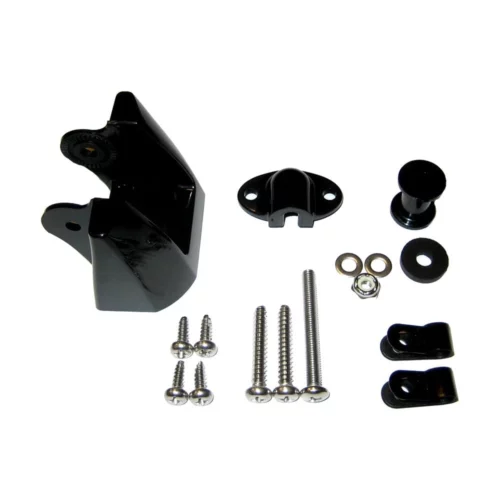
Mounting bracket
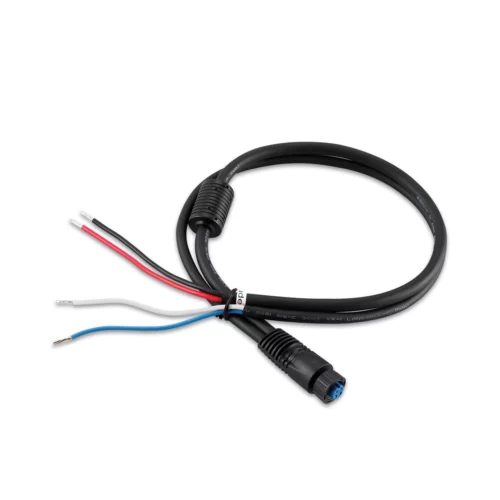
Power cable
Base Map
Owner's Manual

SCREEN
ZOUT/ZIN
- These keys "zoom" the map in and out.
PAGES - This key switches the unit between different GPS
modes.
WPT - Saves and recalls waypoints.
MENU - Press this key to show the menus and gain access to
most functions.
EXIT - Clears menus and entries.
ENT/ICONS - Select entries and accept menu selections. When
a menu is not showing, pressing this key activates the ICON menu.
PWR/LIGHT - Turns the unit on and off. When the unit is on,
pressing this key turns the back-lights on or off. |